Monitoring and Onboarding Cloud accounts using the Darktrace / CLOUD wizard
The Darktrace / CLOUD setup wizard can be used to monitor AWS accounts and Azure Subscriptions (for example by collecting flow logs, audit logs, and enabling autonomous response), as well as provision the necessary IAM role and policy to allow Darktrace /Forensic Acquisition and Investigation to acquire forensic data from supported workloads.
To being you will need to create an API key from within the FA&I platform that has Darktrace Role:
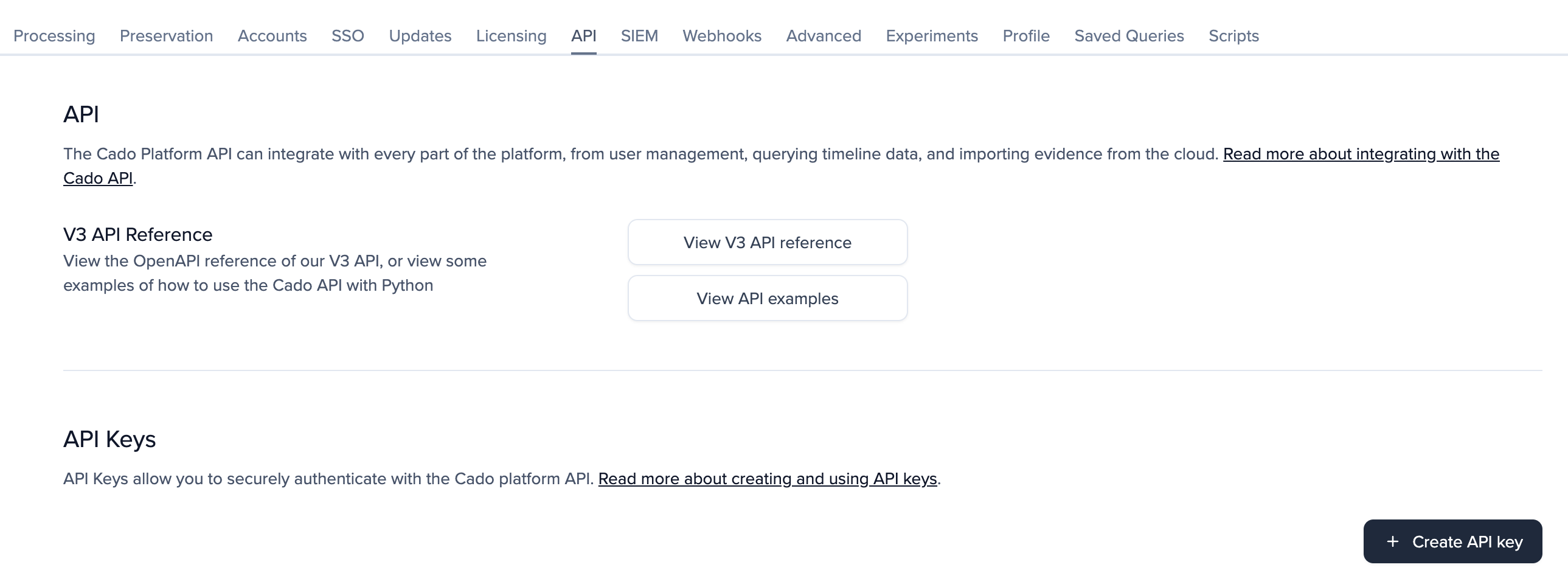
- Log into the FA&I instance using AAISP then in the settings menu, select the
APItab - Click on
+ Create API key
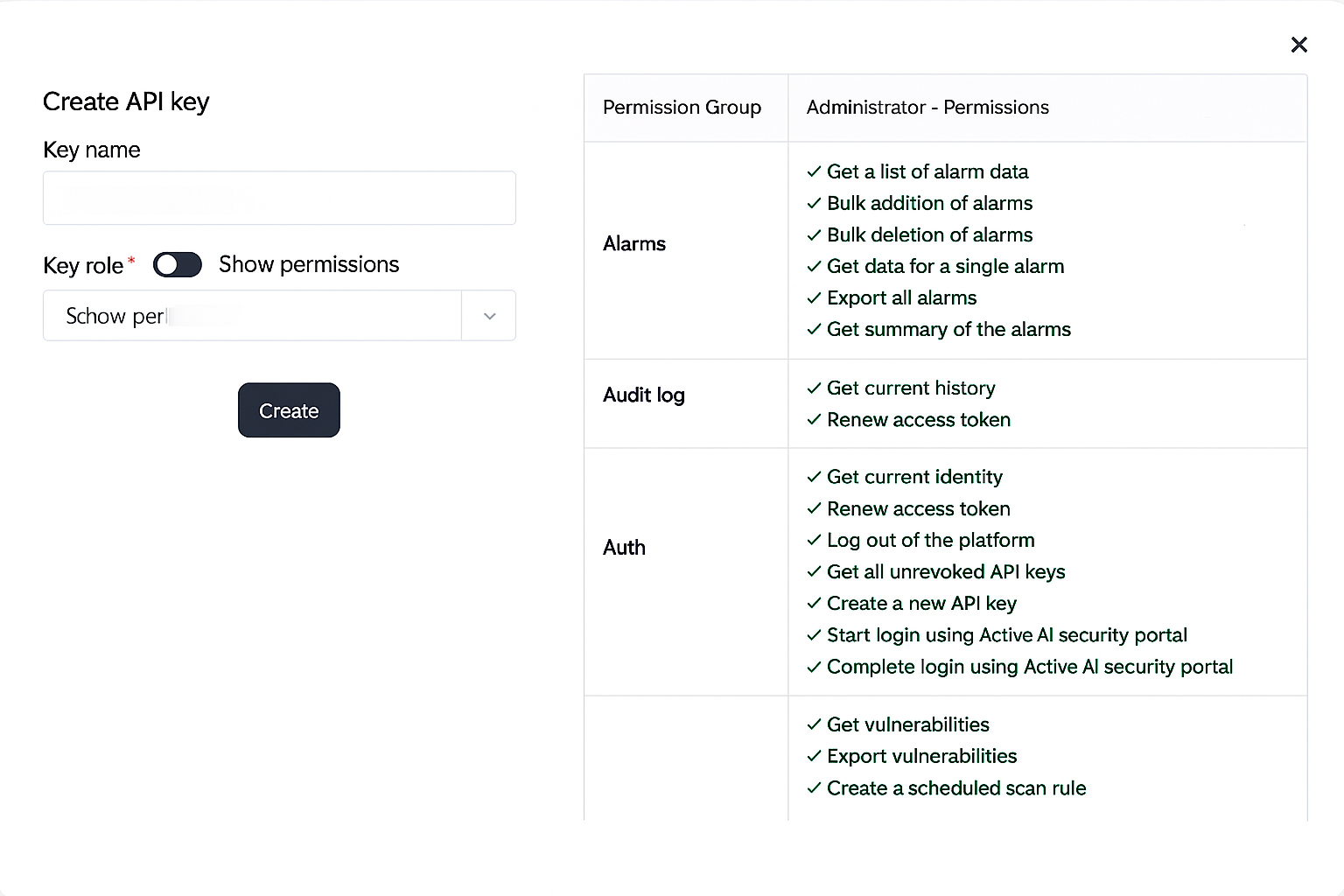
- Give an appropriate Key name, leaving the Key role as
Darktrace - Click
Create
- In the next window be sure to copy the
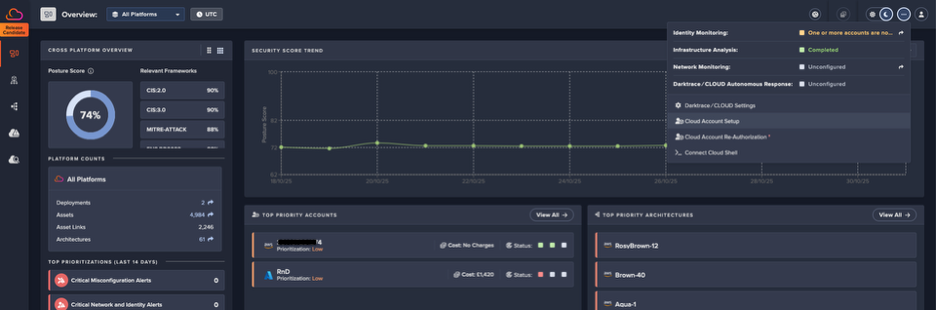
Secret keyand store the key in a secure location - In Darktrace Cloud console, select configuration menu then
Cloud Account Setup
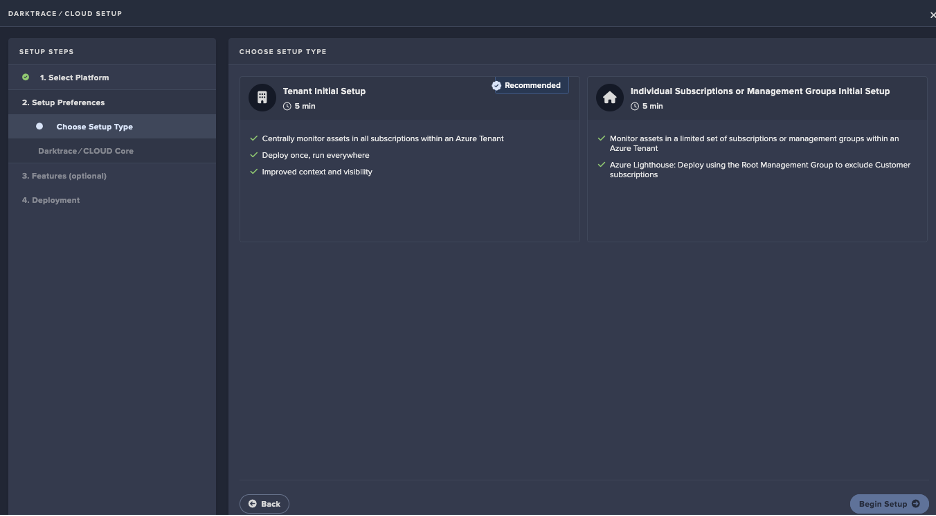
- Select the Platform type that’s being integrated with FA&I, then select
Confirm Platform - Select the setup type and click
Begin Setup, this guide will useAzurehowever the process should be similar forAWS
- Add FA&I URL as the
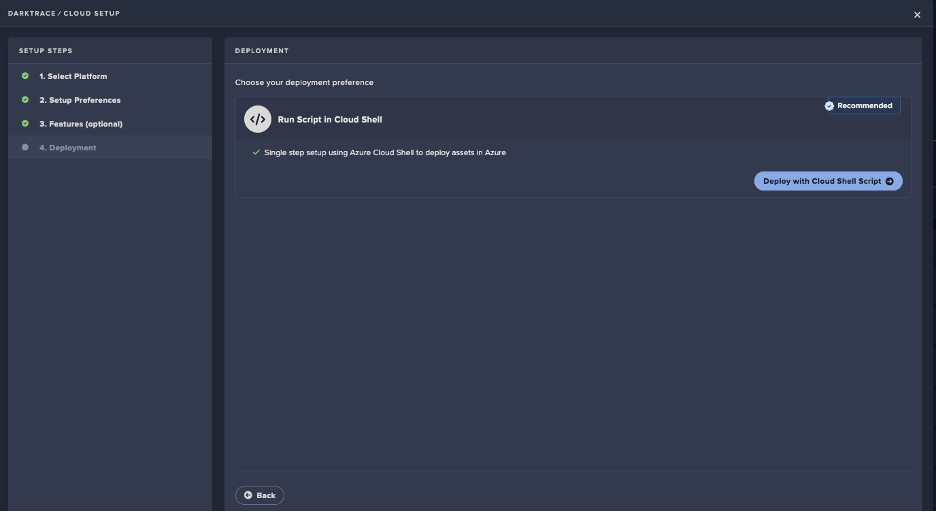
Host Addressthen add the recently createdAPI Keyand click Confirm Settings - Click on
Deploy with Cloud Shell Script
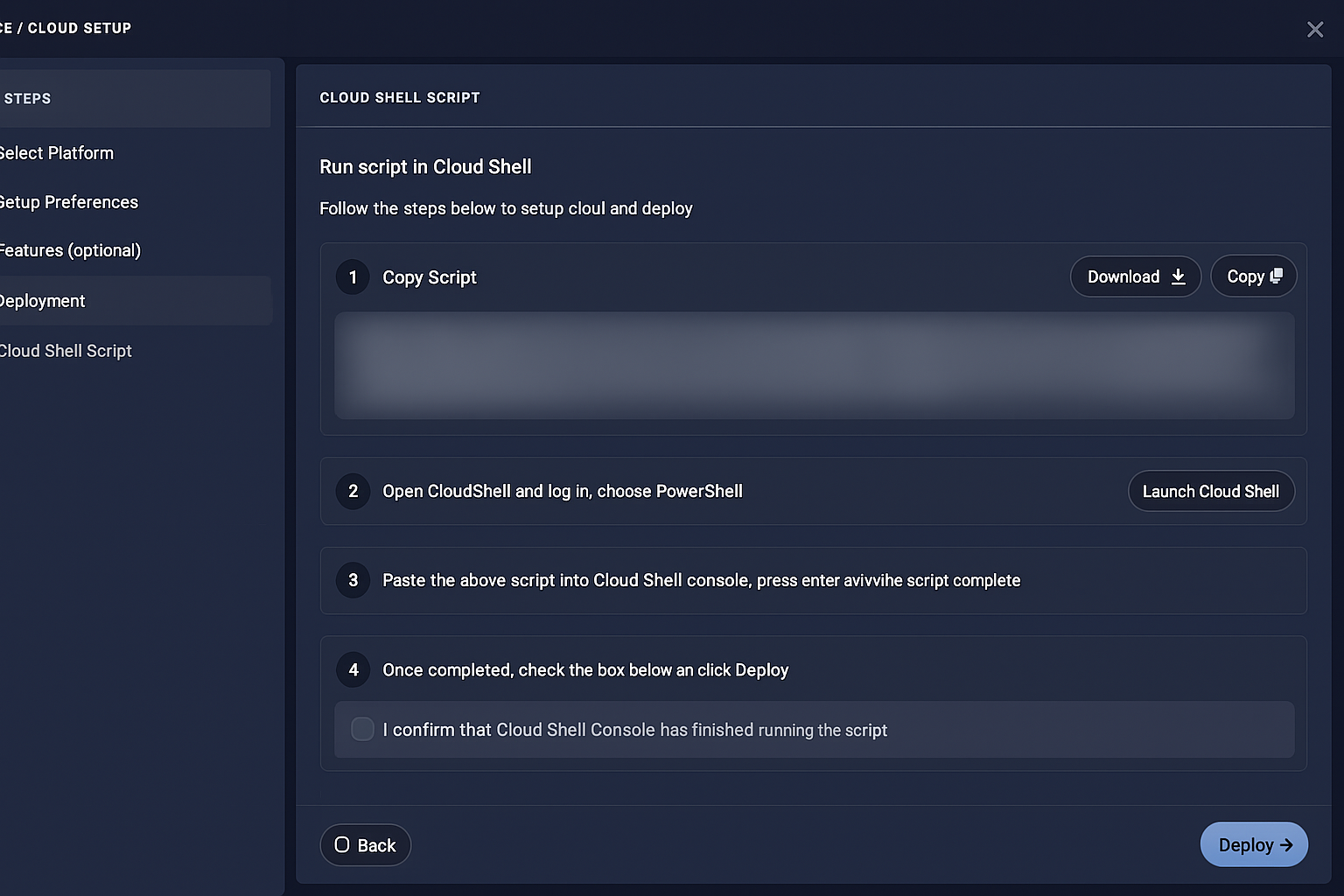
- On the next screen wait for the script to be created then select
CopyorDownload - Provide the script to the user to run within their Cloud Shell
- Once you have confirmation that the script completed correctly, tick box at stage 4 to confirm it completed then click Deploy
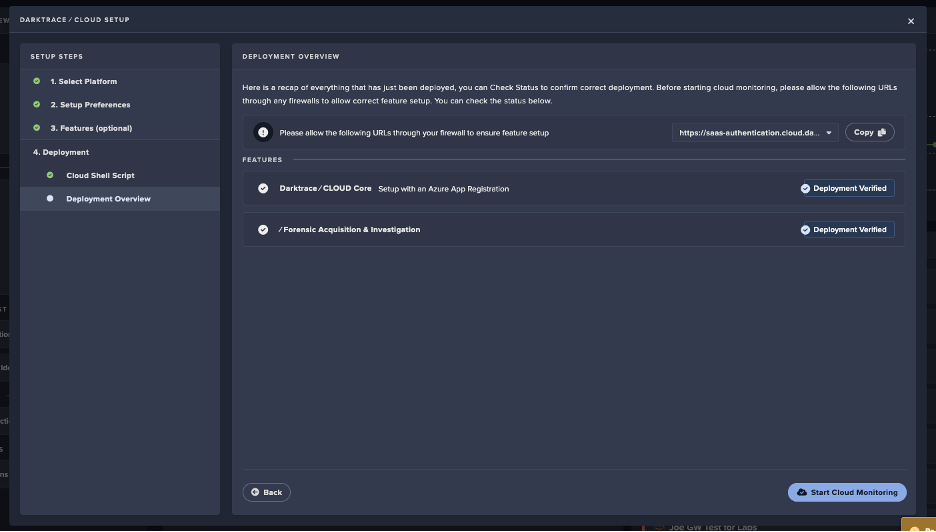
- Once the deployment is verified, click on
Start Cloud Monitoring