Automatic Log Export
NOTE: You will need to be on Version 2.297.0 for this feature to be available.
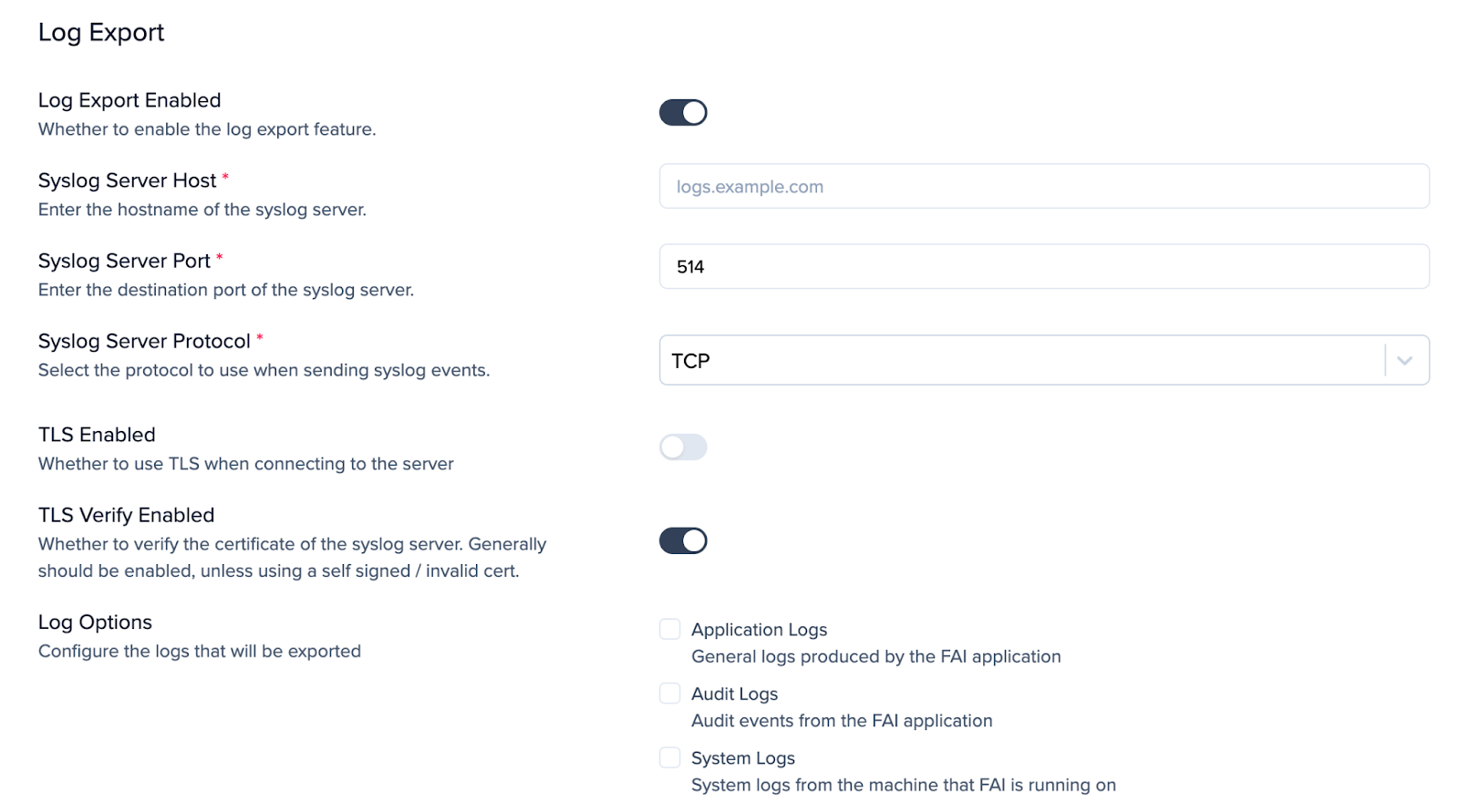
You can configure automatic log exports so logs are sent directly to your SIEM in a syslog format. To enable this, go to the Settings > Advanced and turn on the Log Export option. After enabled, provide the required syslog server details.
Once you have entered the details for your host you will have the option to select which log type you want to export.
- Application Logs
- Audit Logs
- System Logs
WARNING! Ensure you click Update to apply these changes.