How to Import Azure Compute Instances
NOTE: When importing instances with disks over 500GB, you may encounter limitations in cloud providers and FAI that result in extended acquisition and processing times. During the acquisition process you might receive a warning. Larger disks may require larger workers for efficient processing.
The / Forensic Acquisition and Investigation platform allows you to acquire Azure Compute instances for investigation. Follow these steps:
-
Select an Azure Subscription
This will populate a list of available compute instances associated with that subscription. -
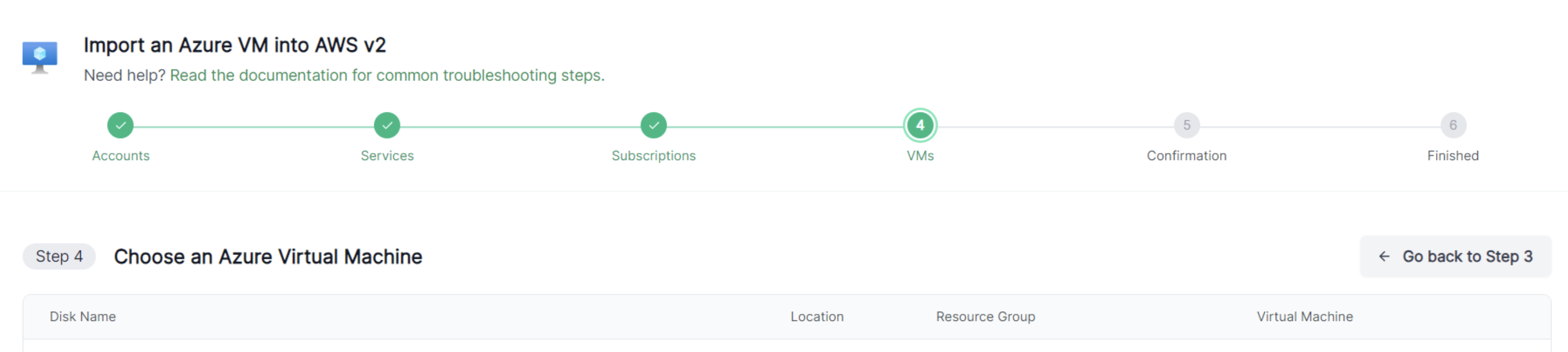
Choose the Instance
Select the instance you want to import, review the details, and confirm the selection. -
Select the Action Type
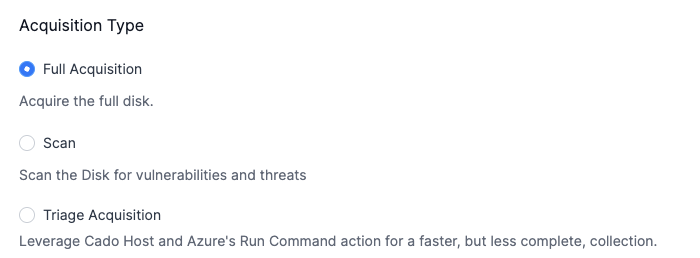
Choose between Full Acqusition, Triaged Acquisition and Scan Only.
Capture Options
Full Aquisition
- Acquisition will aquire the full instance
Triaged Aquisition
- Triaged acquisition will leverage / Forensic Acquisition and Investigation Host and Azure's Run Command action for a faster, but less complete, collection
Scan Only
- Scan only is for a view of any threats and vulnerabilities that exists on the resource. This skips some processing tasks speeding up the acquisition.
- Start the Import
Click on Start Import to begin the acquisition process.
Once the import is initiated, the platform will automatically collect and process the necessary data for further analysis.